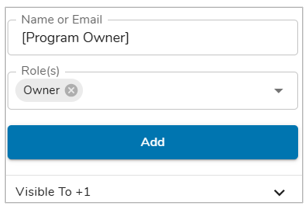
Placeholders give both App Admins and Operations Admins a centralized interface to create and maintain the full roster of available placeholders. Users assign Placeholders to roles as needed, while administrators own placeholder creation and maintenance.
Creating Placeholders
To create new Placeholders for an App, you will need to either be an App or Operations Admin.
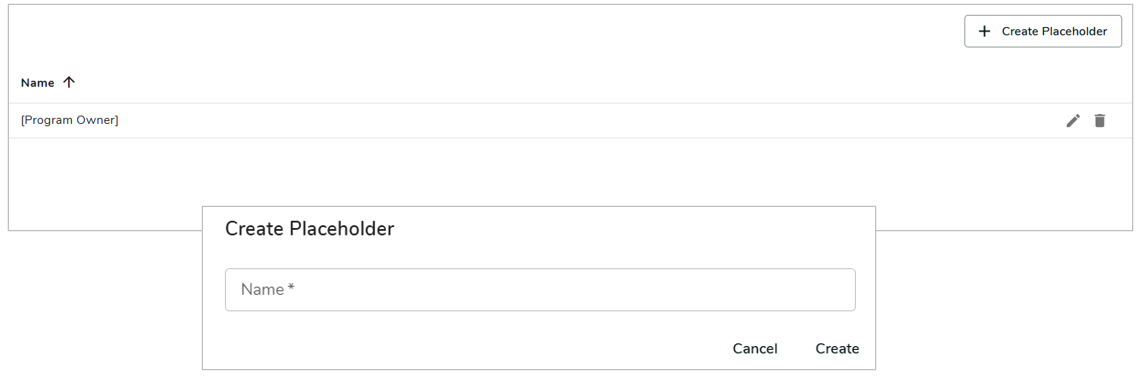
- As an App/Operations Admin, navigate to the ‘Placeholders’ page on the App Details Page. A list of current Placeholders will be visible.
- Select the ‘+ Create Placeholder’ button, define a name for the new Placeholder and click ‘Create’.
- Now on a Participant Panel, the newly created Placeholder will be searchable and selectable as an available user on a work item.